Getting Started with Smart
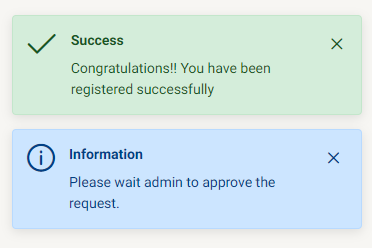
You need to Signup so you can access Smart. After filling up the Signup details, you need to wait till the admin approves your request.
You need to log in with the email address you registered on Smart.
You can also retrieve your account if you forgot your password from Forgot password.
Login
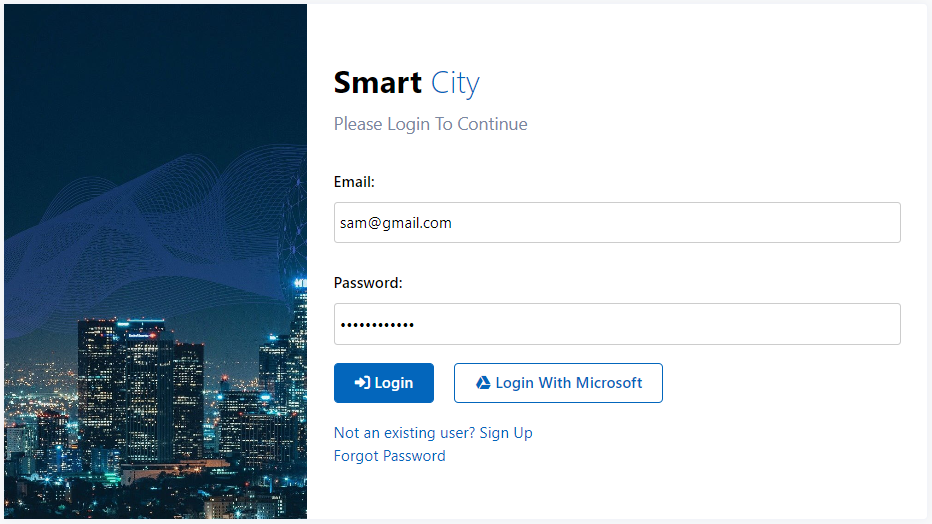
When you open the Smart application, you will see this login page. Here you can login with the credentials you registered before or with the Microsoft account.
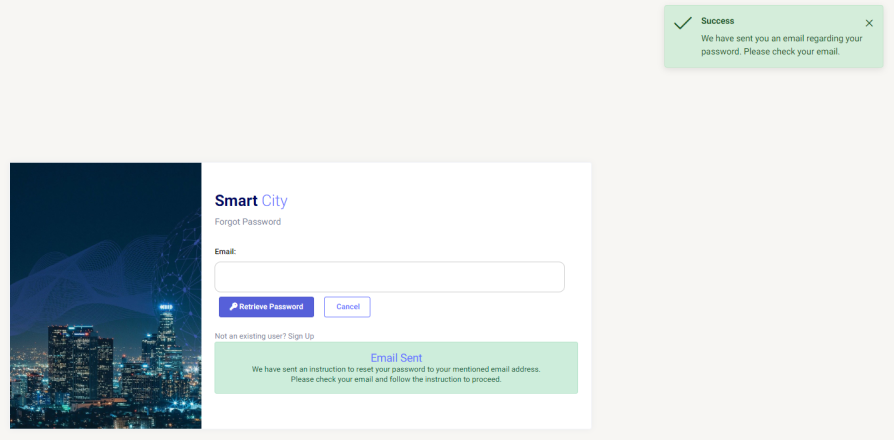
Forgot Password
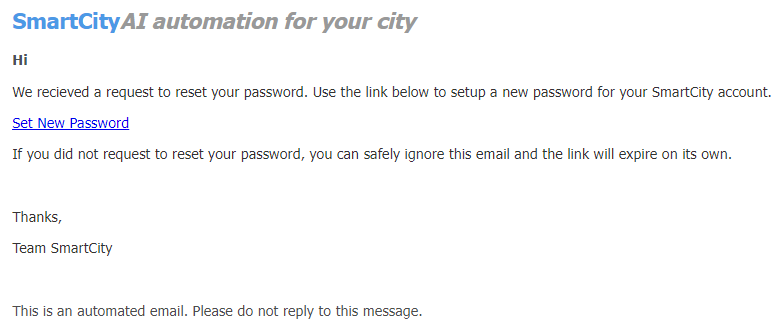
And in case you forgot the password then you can go to Forgot Password and provide the email id you registered and by clicking on "Retrieve Password", a mail will be sent to the provided email address containing the further steps to retrieve the password.
The mail would look like this
Signup
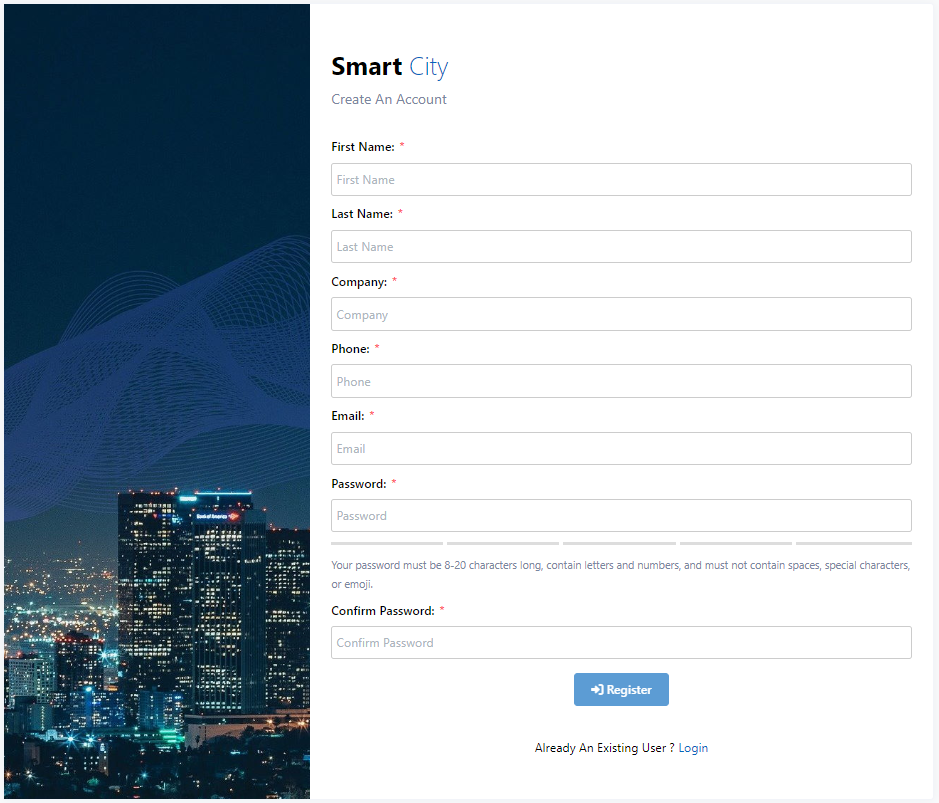
If you are not registered on Smart then click on Signup and it will take you to the signup window where you can register and join Smart successfully.
Required details are Name, Company (in which you are employed), contact no, email address, and password (Your password must be 8-20 characters long, contain letters and numbers, and must not contain spaces, special characters, or emoji.).
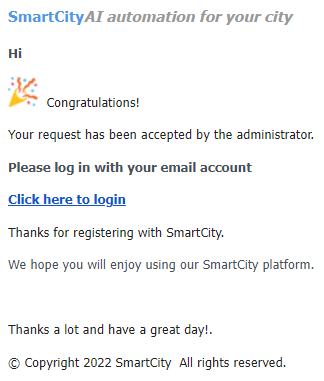
Smart is a limited access application. You need to wait after signup until the admin approves your request. You will receive an email on your registered email id once you get approved.