Device
What are Devices?
Devices means all the equipments including sensors, power devices and any other device. That means, You can manage all the devices at one place and add device from one place for the complete Smart Application.
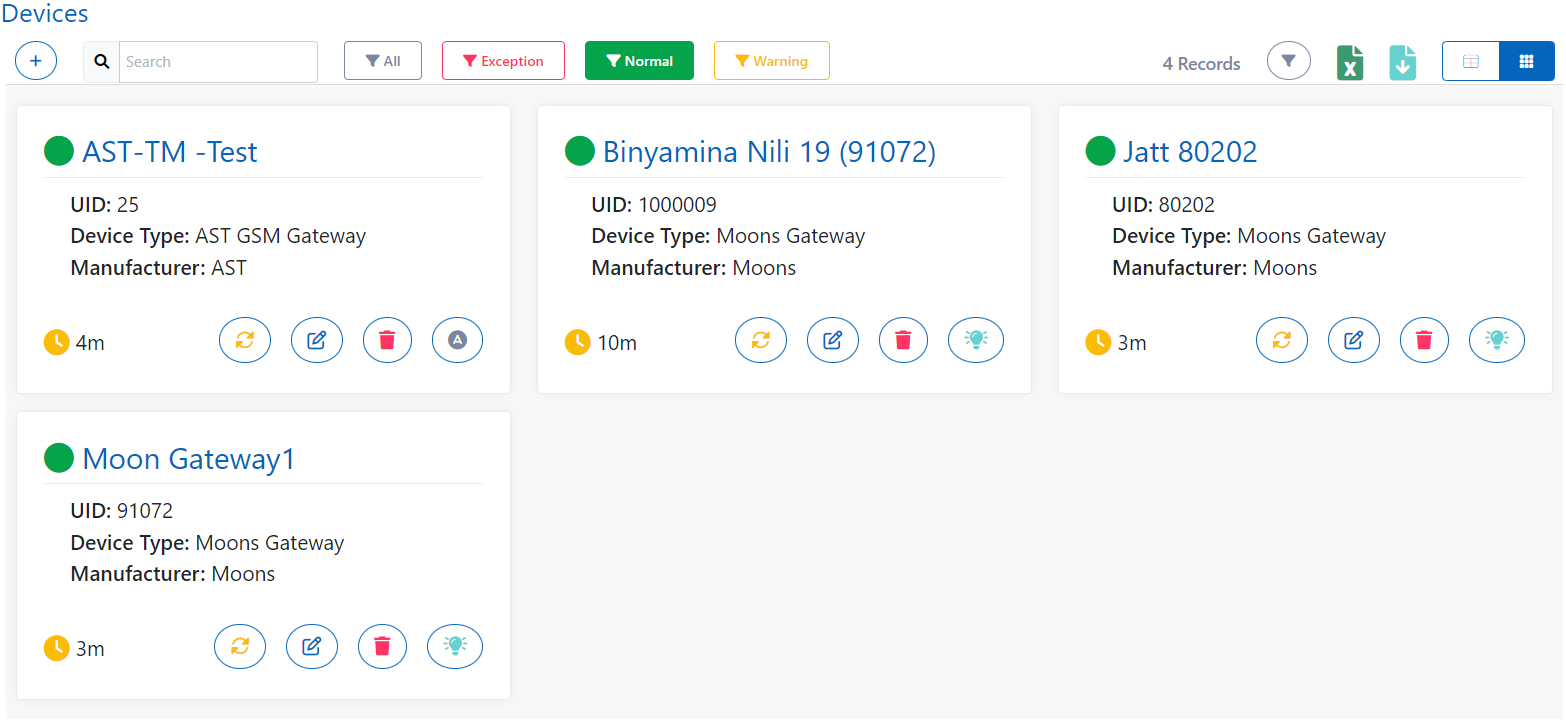
You can also manually refresh the device to fetch its current status. You can edit the details of device after editing also. Some device based functionalitites will be listed in action column such as for gateway you have function to on/off specific relays in that gateway.
How to add a Device?
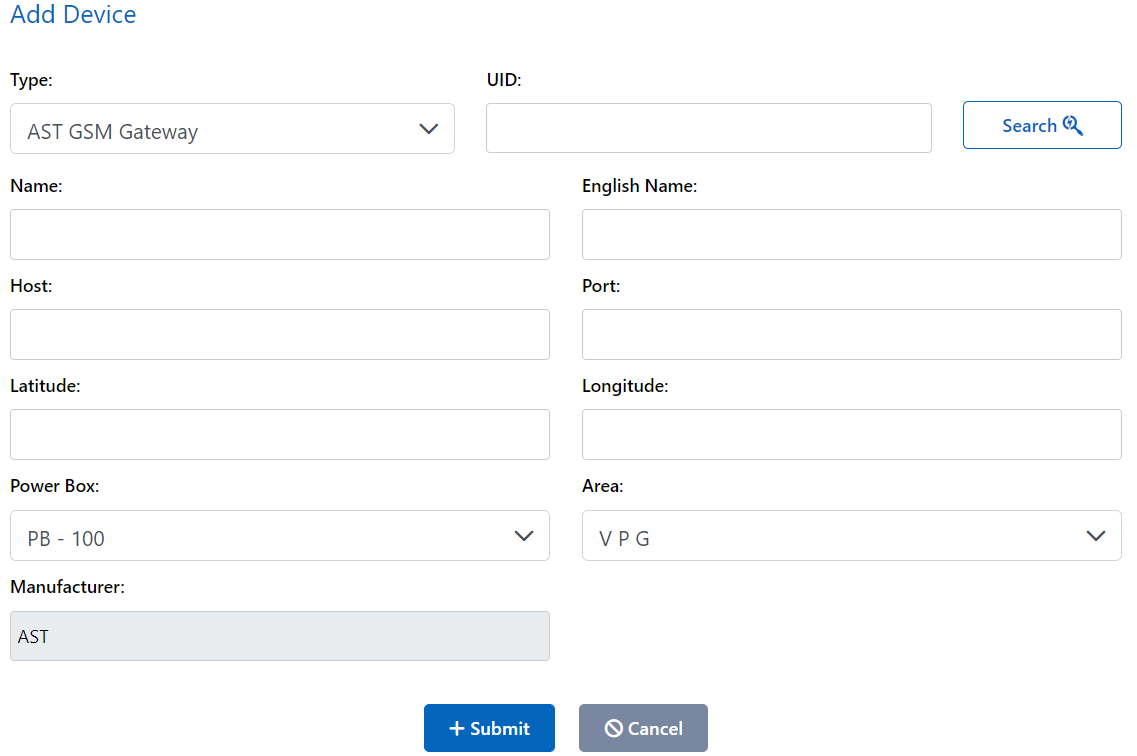
You can add a device in the Smart application and the required details are:-
- Type: Choose the type of device you want to add
- UID: Enter device UID and press search to validate that UID entered is correct
- Name: Provide a name for the device in your local language
- English name: Provide a name for the device in english language
- Host: Enter the IP address for the device in the host input
- Port: Specify which port is for the device on the IP provided to connect with it
- Latitude: Give the device's location latitude
- Longitude: Give the device's location longitude
- Power Box: Select power box to which the device is connected and getting power from
- Area: Select area in which your device is installed
- Manufacturer: No need to worry about this, it will automatically fill itself
What are Device Types?
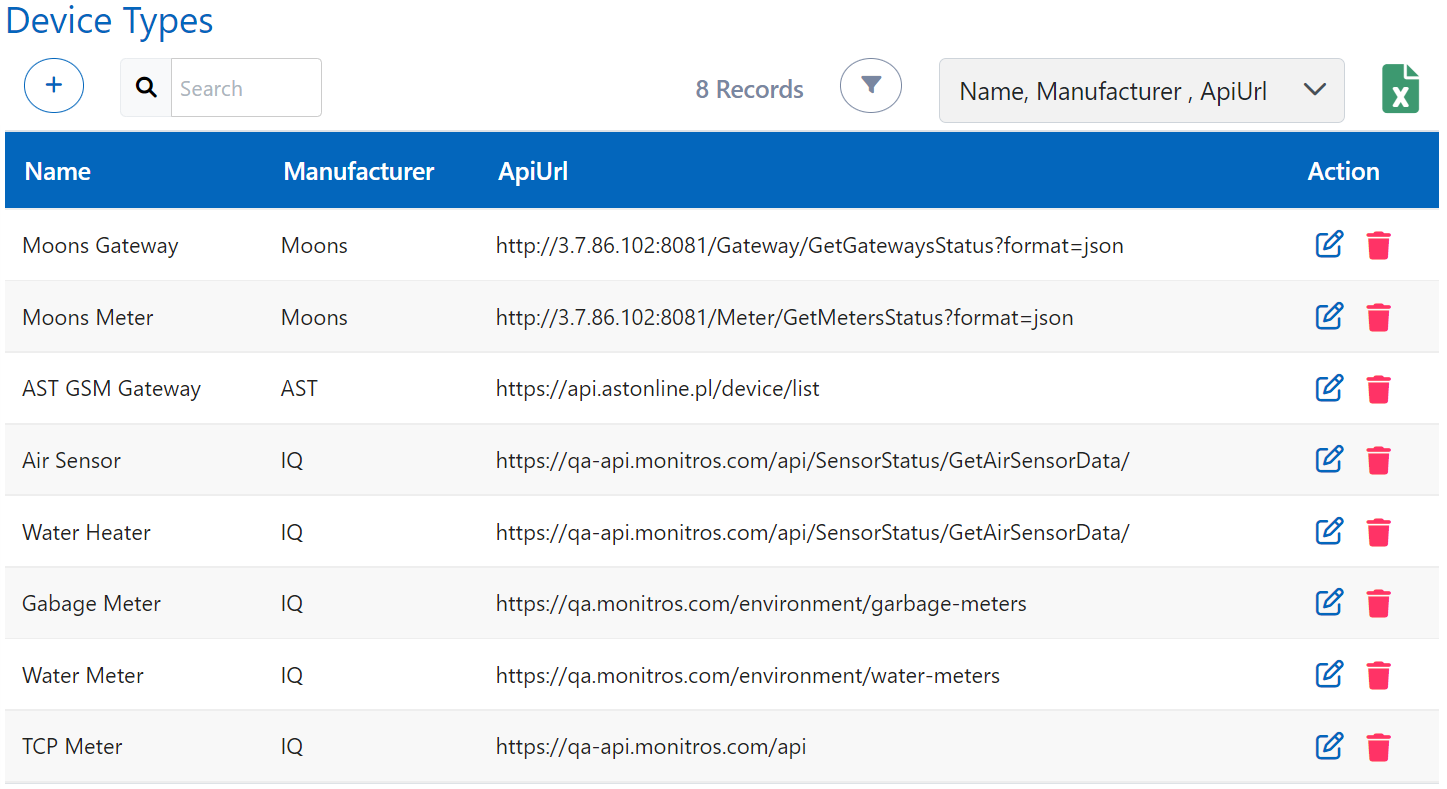
You can see the types of devices which can be added in the Smart application and if you want to add a new type, you can add it.
How to add Device type?
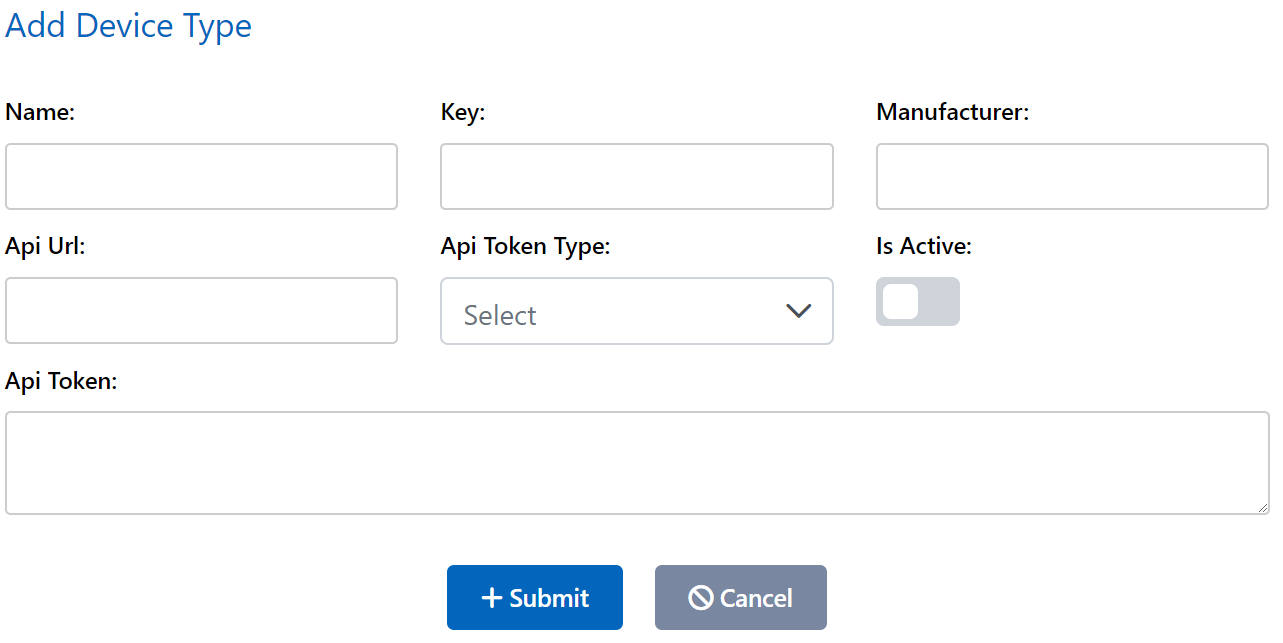
You can create a new device type in the application and details required for it are:-
- Name: Enter name for type
- Key: Key which we can recognise the type
- Manufacturer: Enter the name of the manufacturer for this device type
- Api Url: Enter the url for the api of the device connectivity and data fetching
- Api Token Type: Select the type of api being used for this device type
- IsActive: Select if this device type is currently active in the application
- Api Token: Enter the token for the api by which you can authenticate your api requests for data fetching
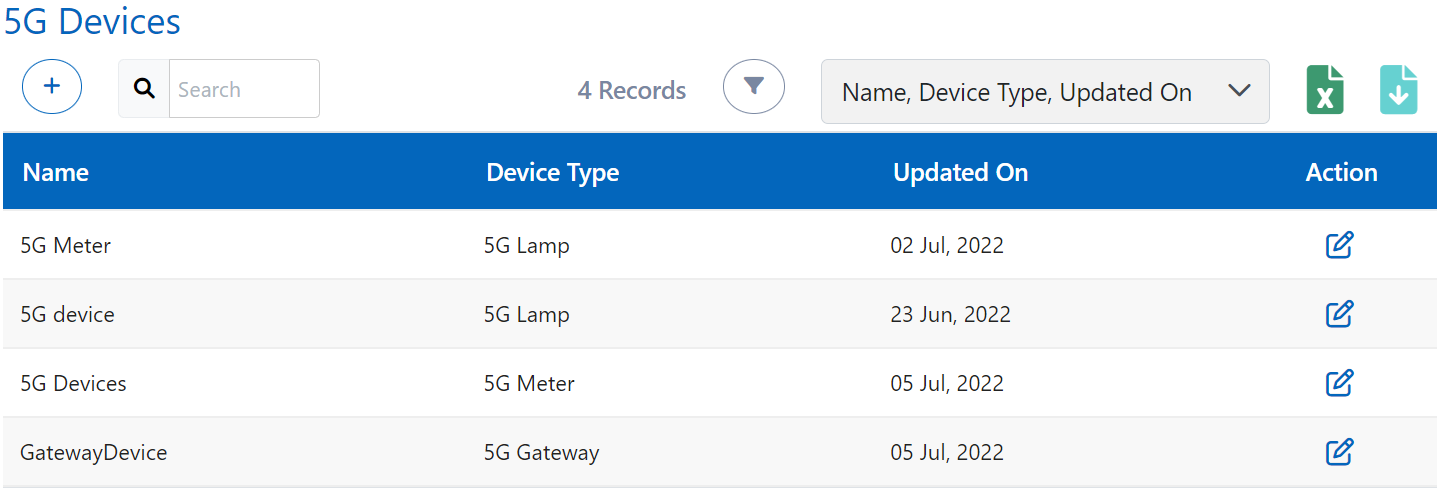
What are 5G Devices?
5G Devices contains the list of all devices which are connected using 5G technology.
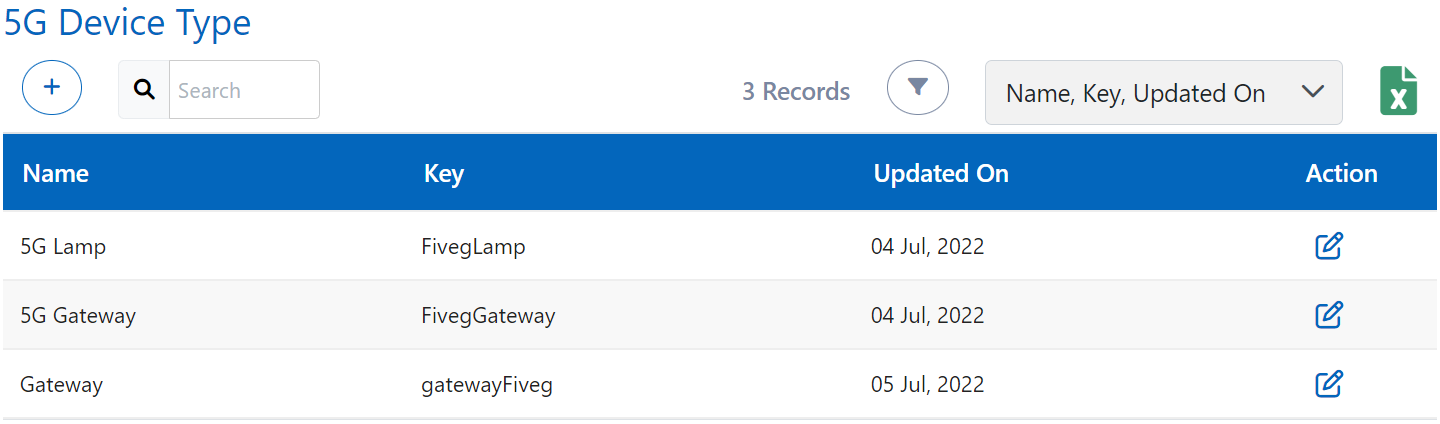
What are 5G Device Types?
5G Device Types are the types which can be used in Smart Application at present. You can add more types of 5G devices also.
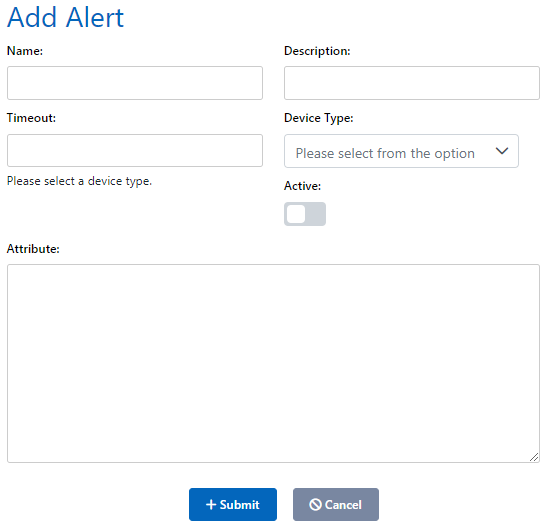
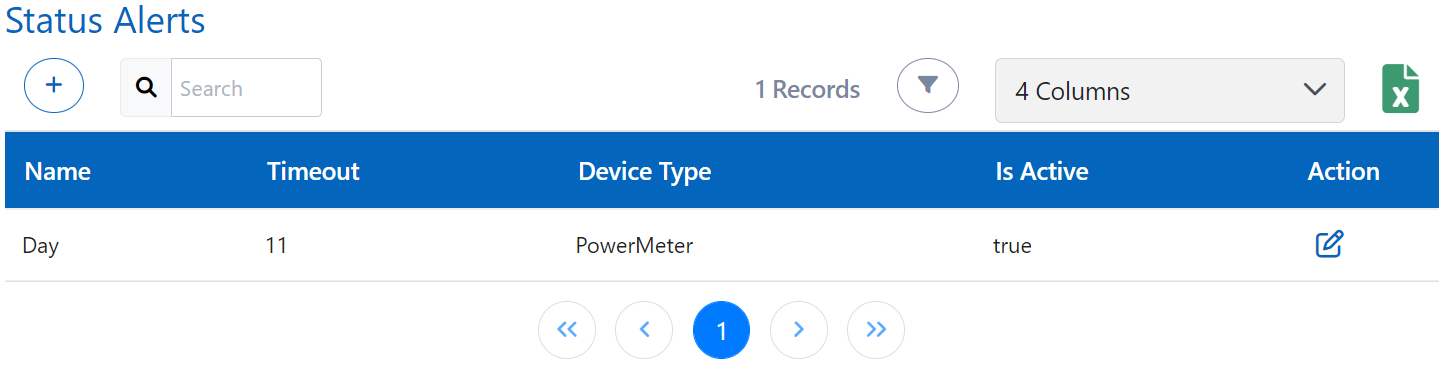
What are Status Alerts?
Status Alerts are alerts set by you for notifying when something unusual happens or according to the condition you set while creating that status alert.
How to add a Status Alert?
You can add status alerts for any device and provide your own condition in attributes input field and it should be in JSON format.s