Power
What is Power?
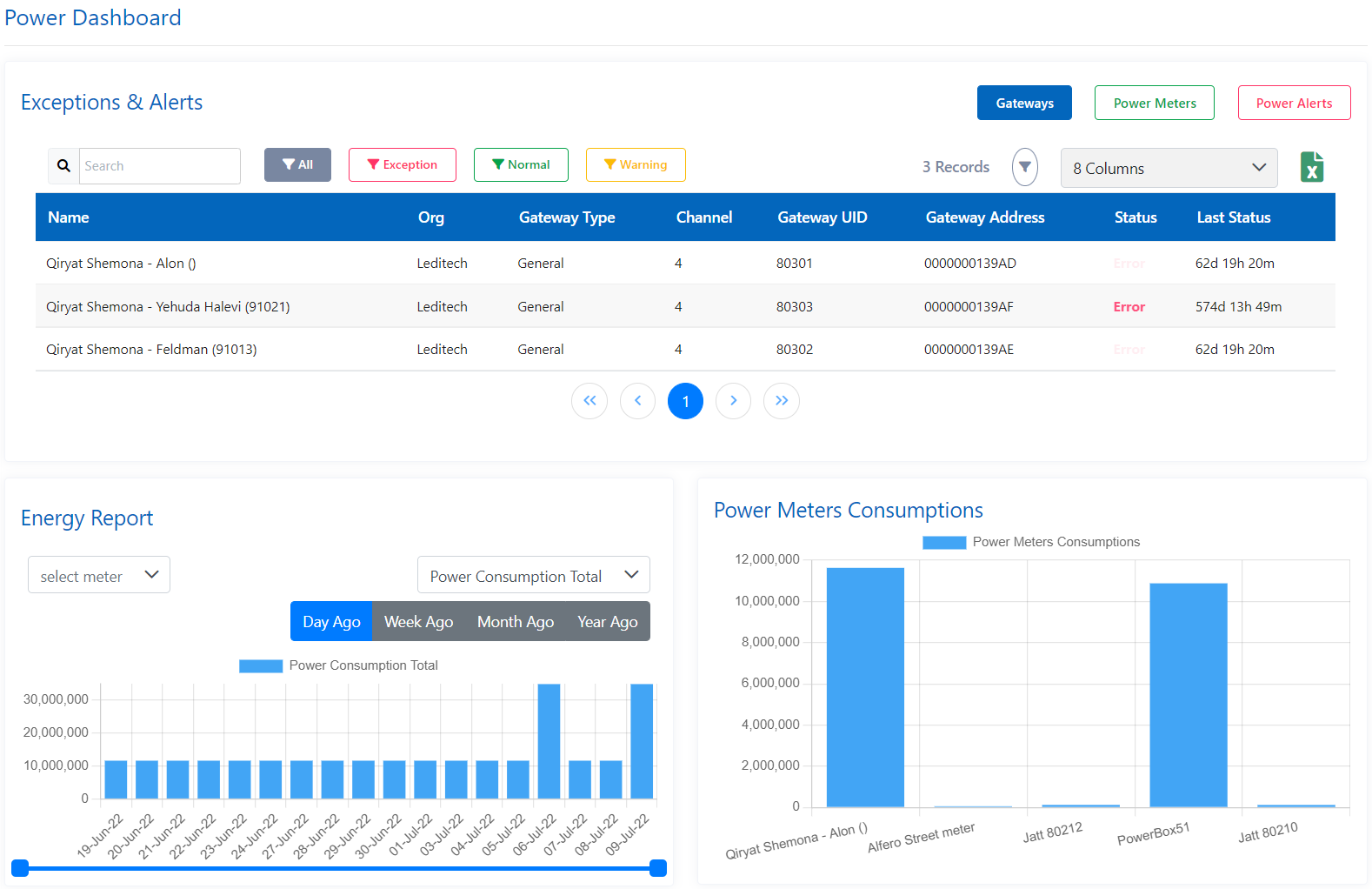
Power module contains all the power related devices functionalities such as add, configure & manage - Power Box, Power Meters & Relays.
Power Box
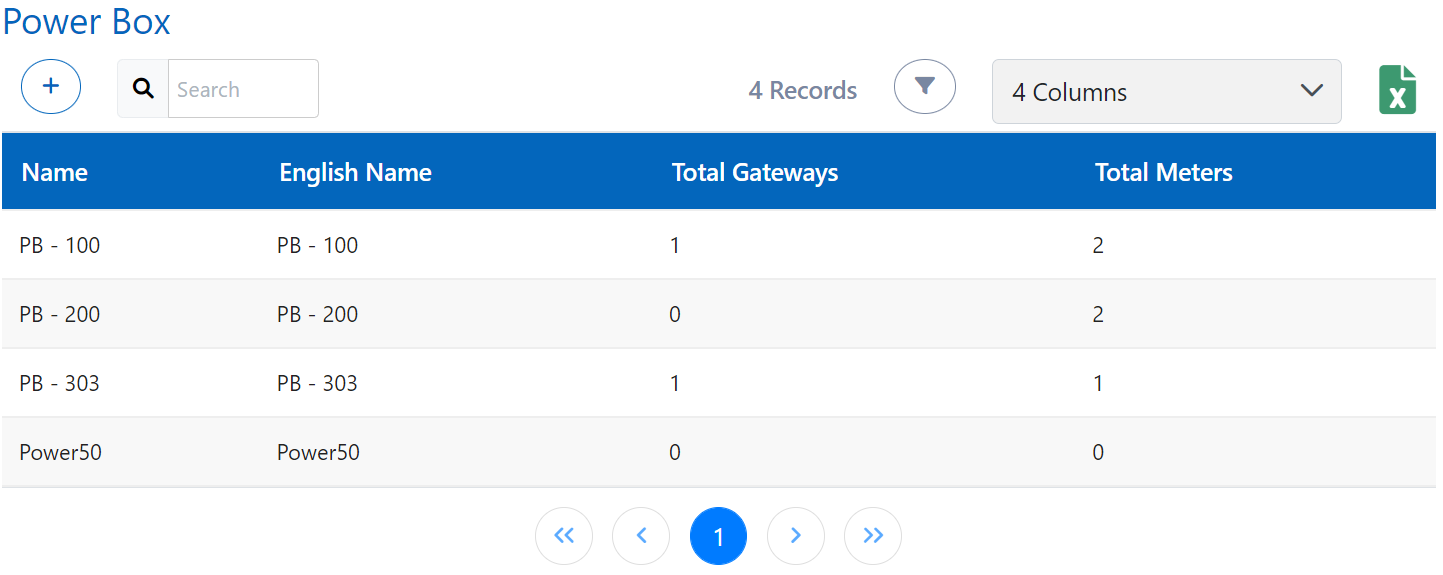
Power box is the main component in power module from which electricity get supplied. All other power related components like power meters, power box circuit are attached to it.
How to add a power box?
You can add power box from add option and the details required are:-
- Basic Info: Name, English Name, Remark, Areas (Select Customer first from above in navigation bar), and Tags
- Location: Select location from map or input the location details like latitude, longitude and Street (minimum 10 characters)
- Pictures: You can add pictures to the power box by uploading from your device
- Documents: You can add documents to the power box by uploading from your device and provide details for them like Name, Expiry date and tags
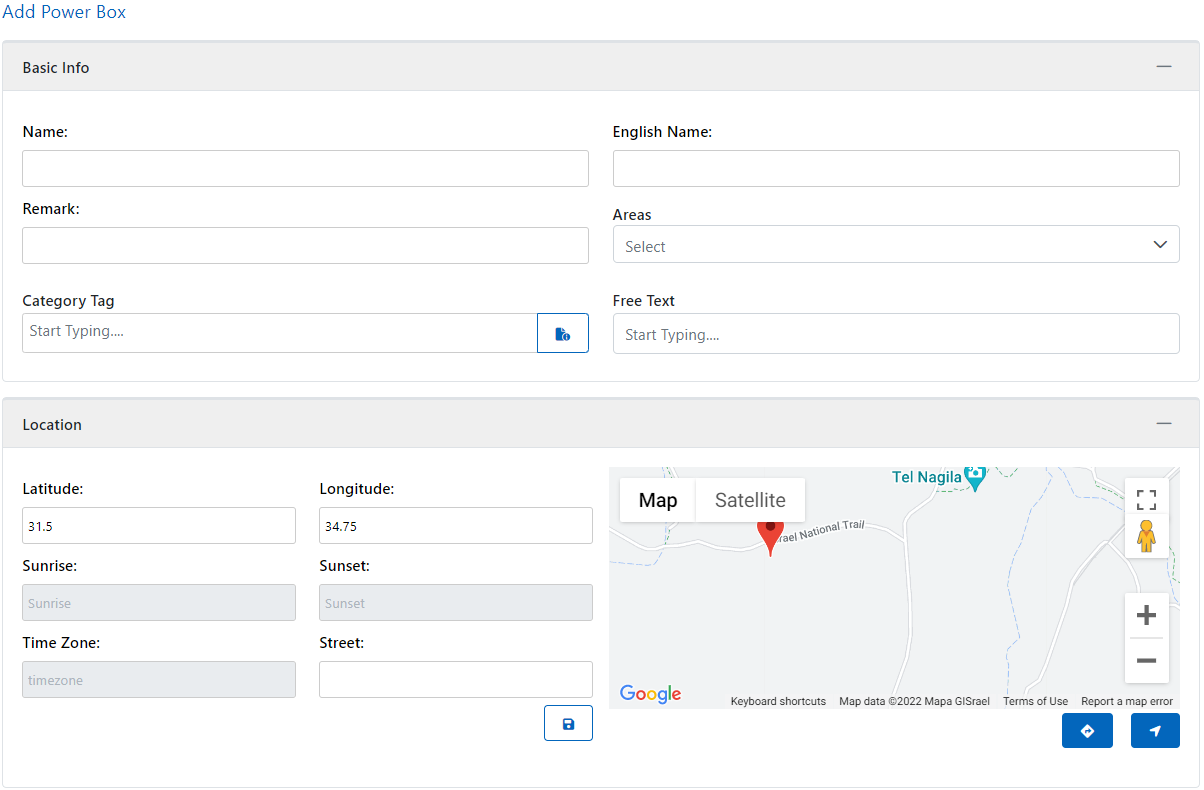
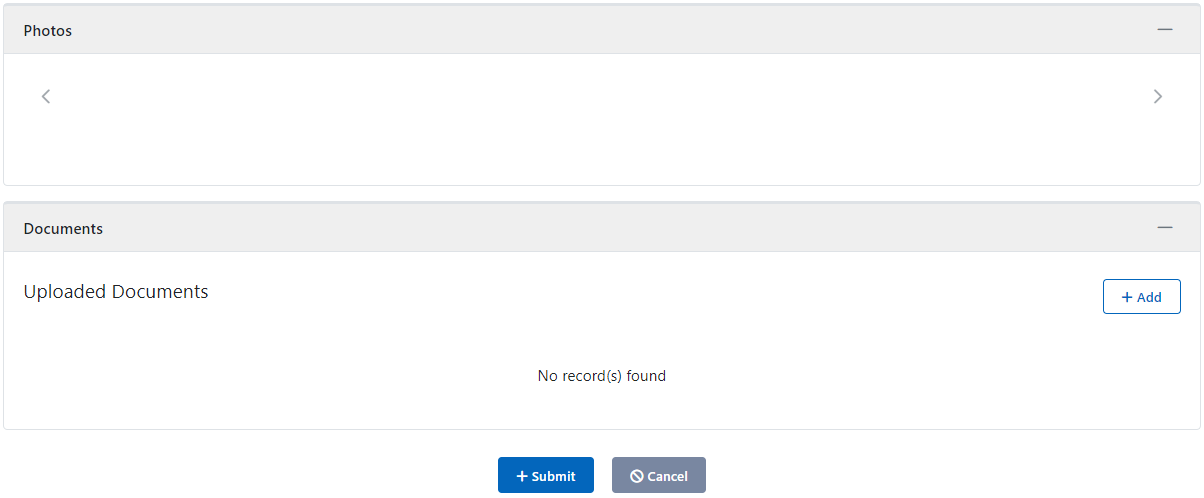
Before adding location/pictures/documents in power box item, you need to add (create) the power box item and then edit it to add these details.
You can also a delete power box by delete option and can see filtered list of power boxes by using filter option provided
Gateways
All the power related devices will be connected through gateway. It act as an interface to connect or link the devices together.
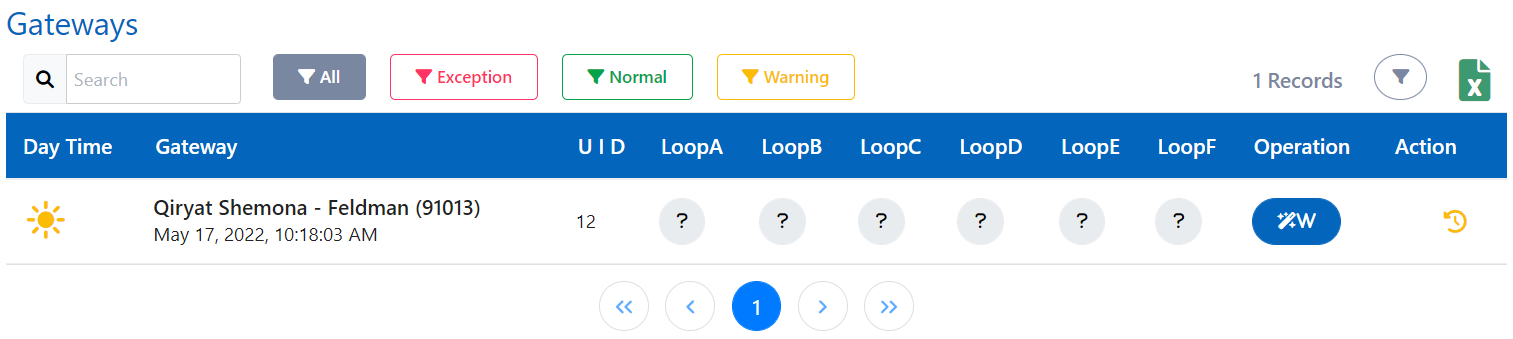
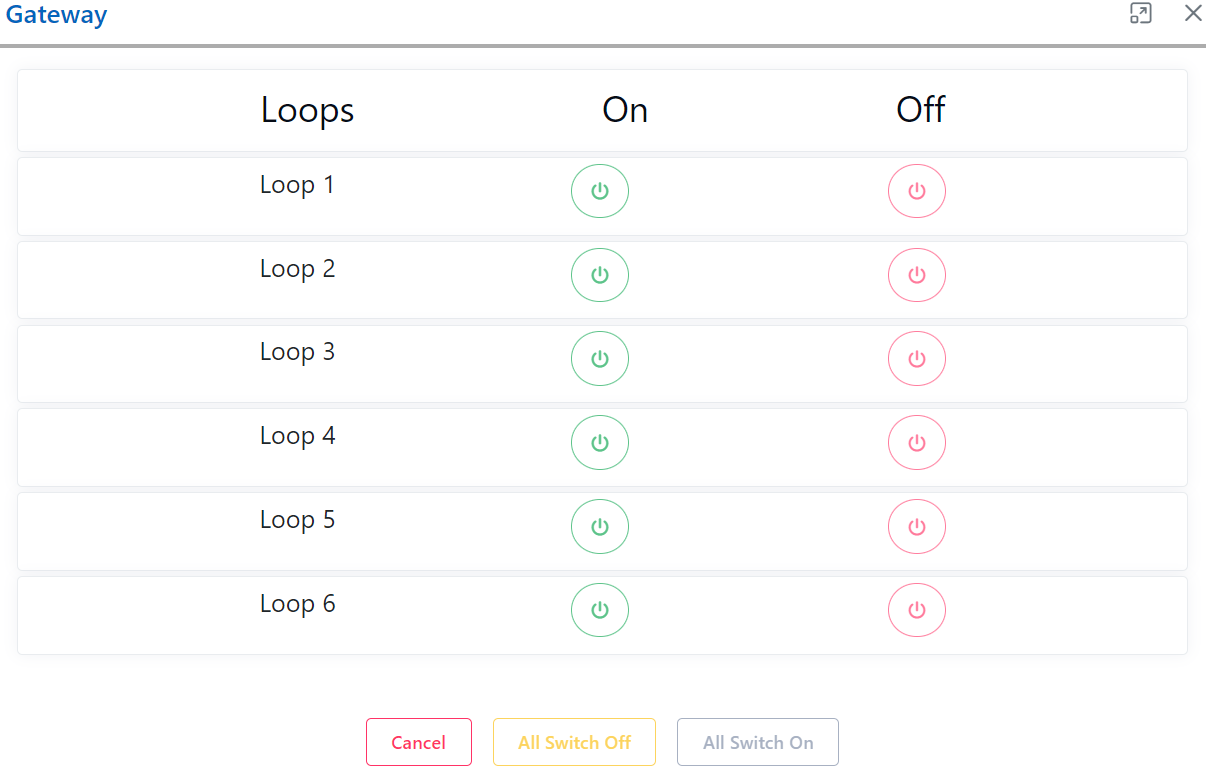
How to switch On/Off loops in gateways?
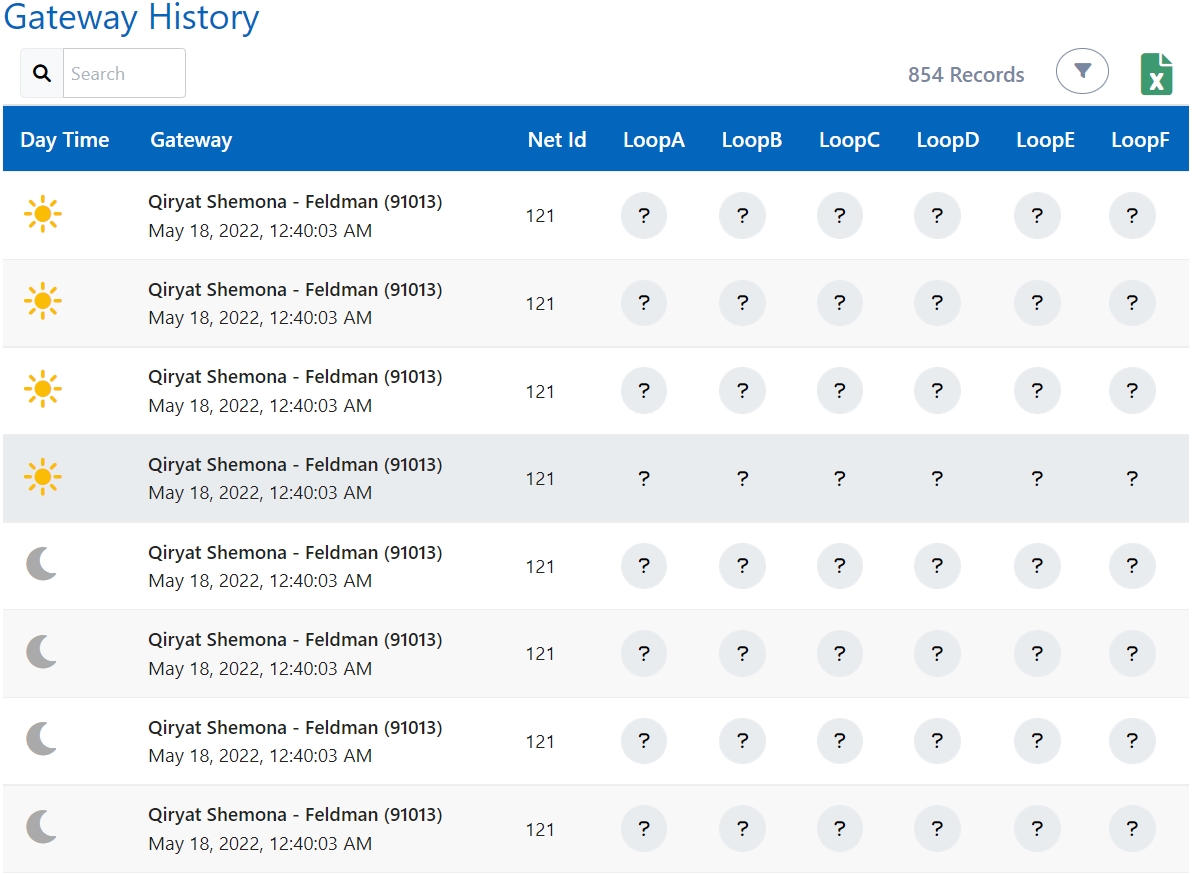
You can switch on/off the loops on/off from operation column in gateways grid and can also see the gateway history.
Power Meters
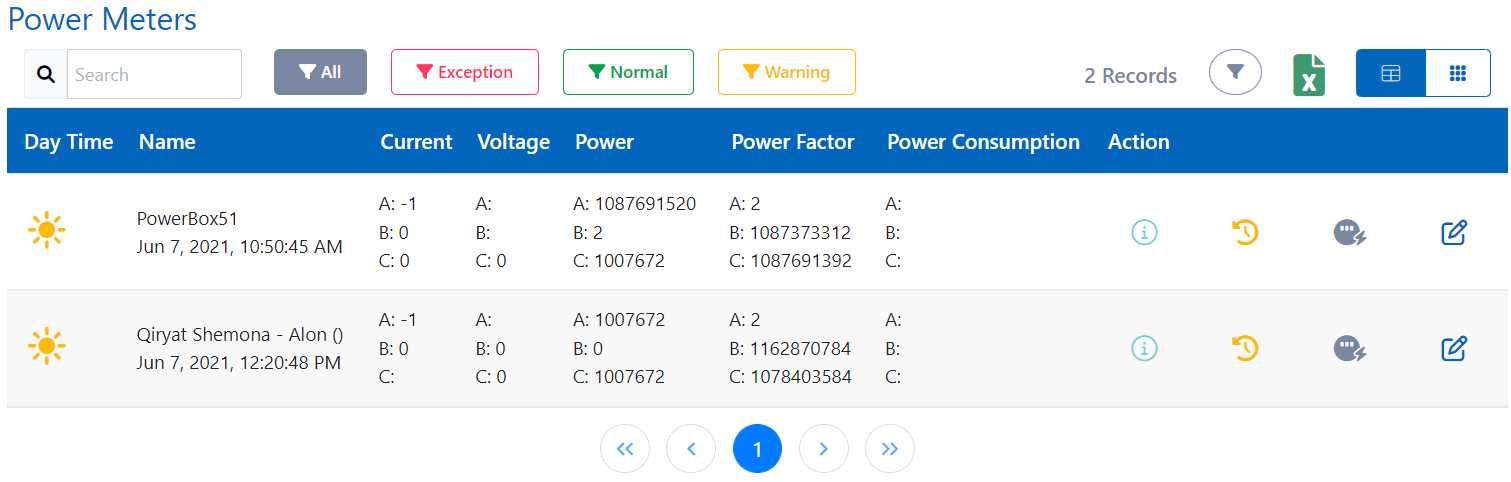
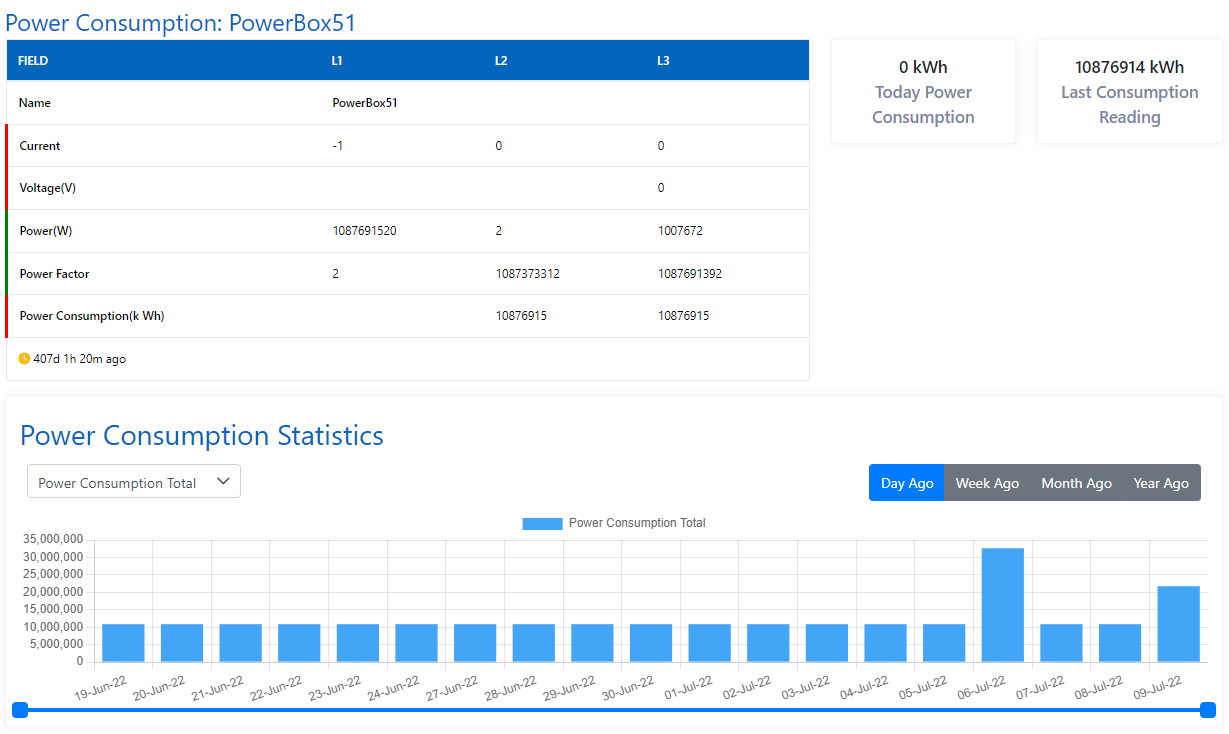
Power meters are like normal meters, but the difference is they can be accessed & managed remotely. You can see the energy report, power meter history & power consumption statistics.
How to edit a Power Meter?
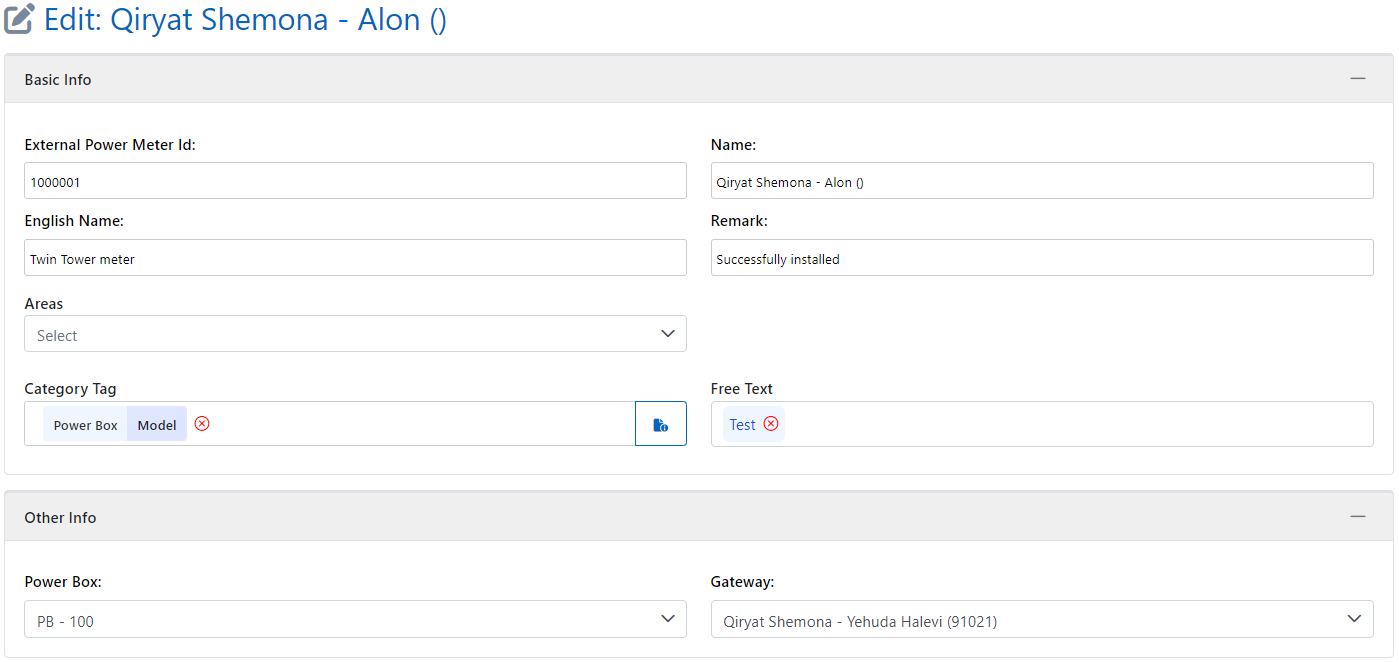
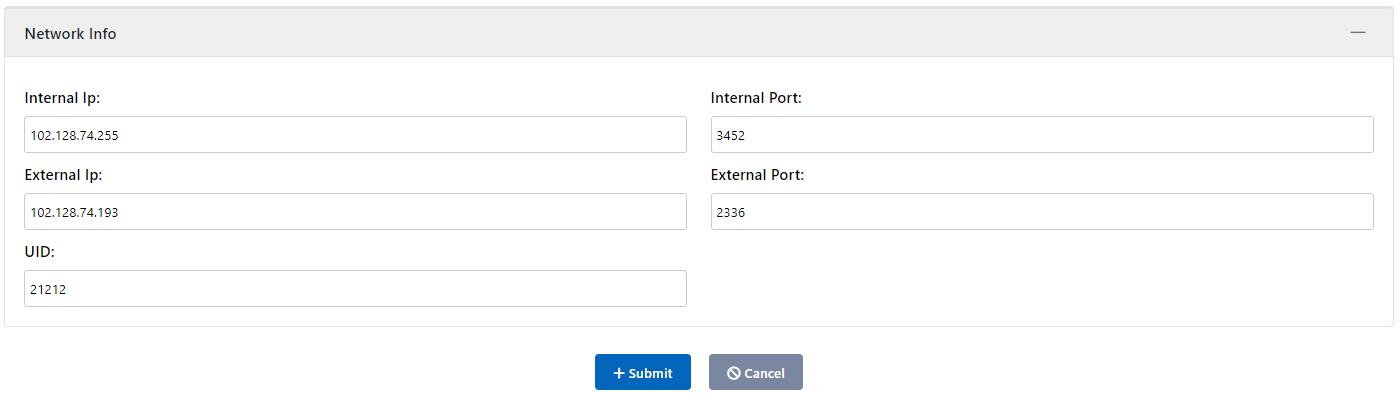
You can edit power meter from edit action and the detail can be edited are:-
-
Basic Info: Name, English name, Remark (minimum 5 characters), Areas (Before selecting Area, Select Customers from above in the navigation bar), Tags
-
Other Info: Power Box (Select from the list), Gateway (Select from the list)
-
Network Info: UID, Internal IP & Port, External IP & Port
What is Consumption Statistics?
You can see the details of the power meters along with power consumption of that meter for the past time.
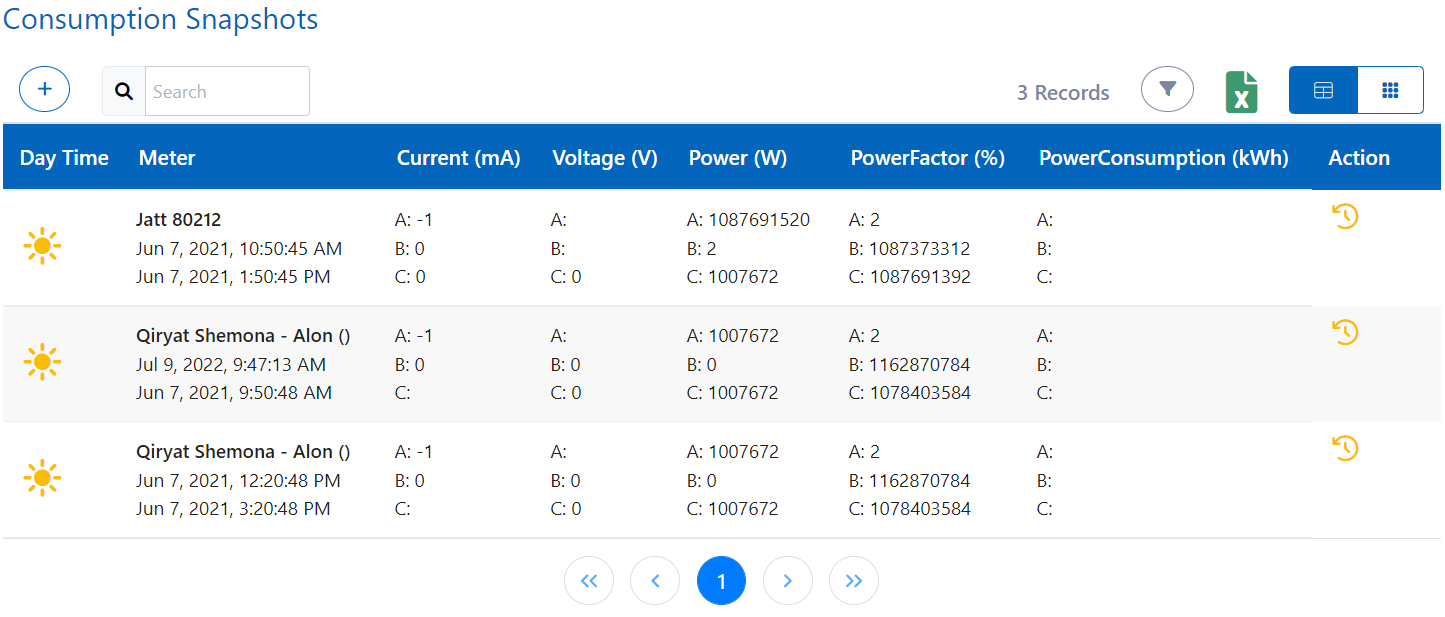
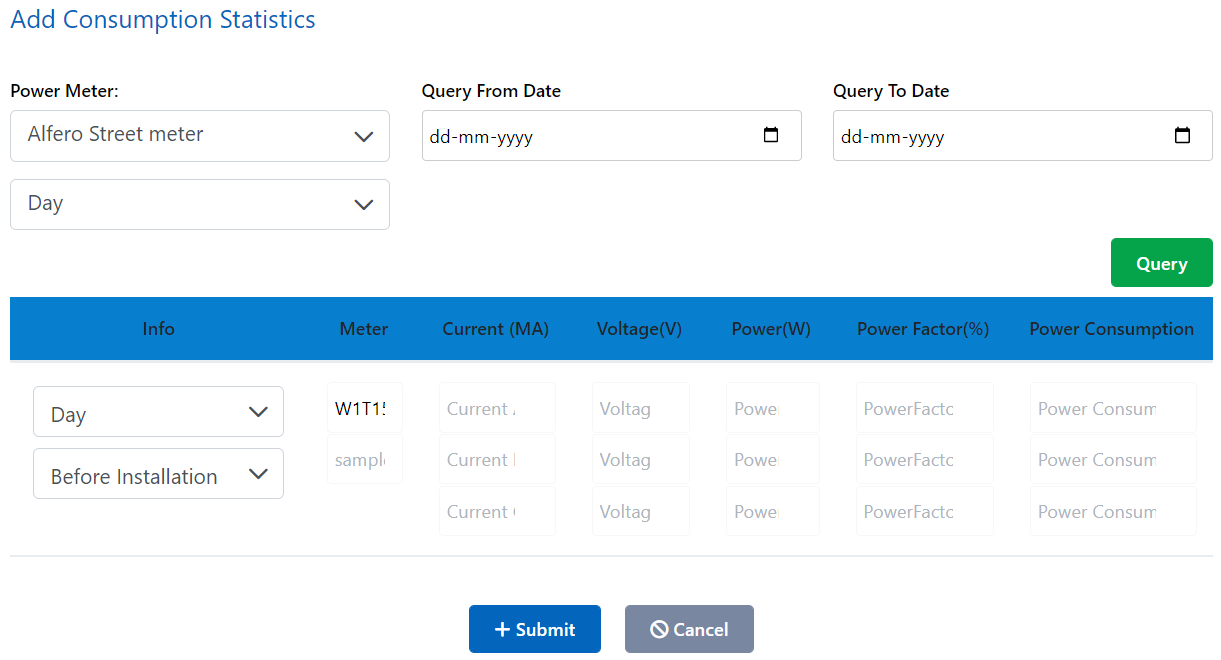
How to add/query Consumption Statistics?
You can add/query consumption statistics for time you require. The details required are power meter, query from date, query to date, day time and then just click query and all past consumption statistics will be fetched and shown in front of you. And in case if any reading is missing, you can add it in grid form present below.
What are Relays?
Relays are electric switches that use electromagnetism to convert small electrical stimuli into larger currents. These conversions occur when electrical inputs activate electromagnets to either form or break existing circuits. You can see the list of all relays which we are connected to and operating in Smart application
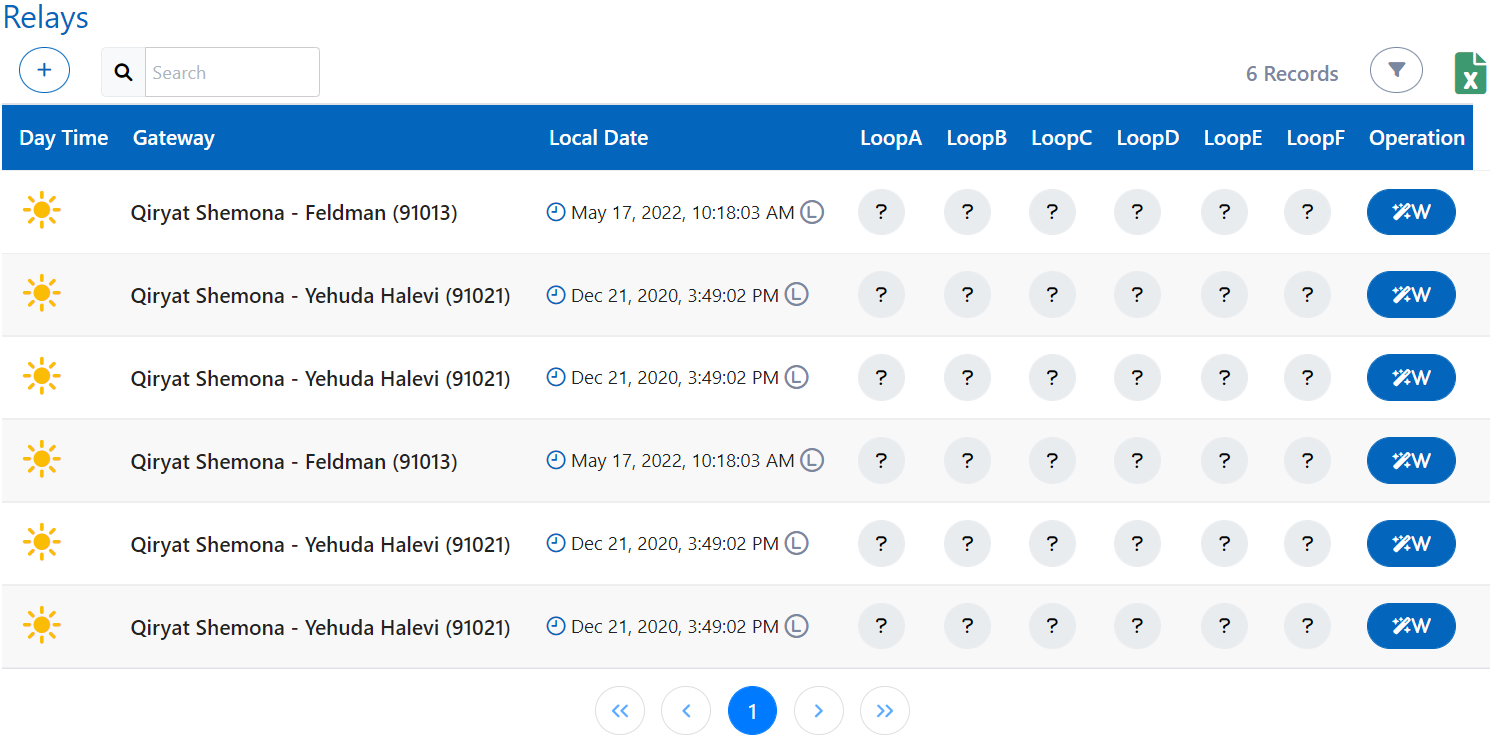
How to add a Relay?
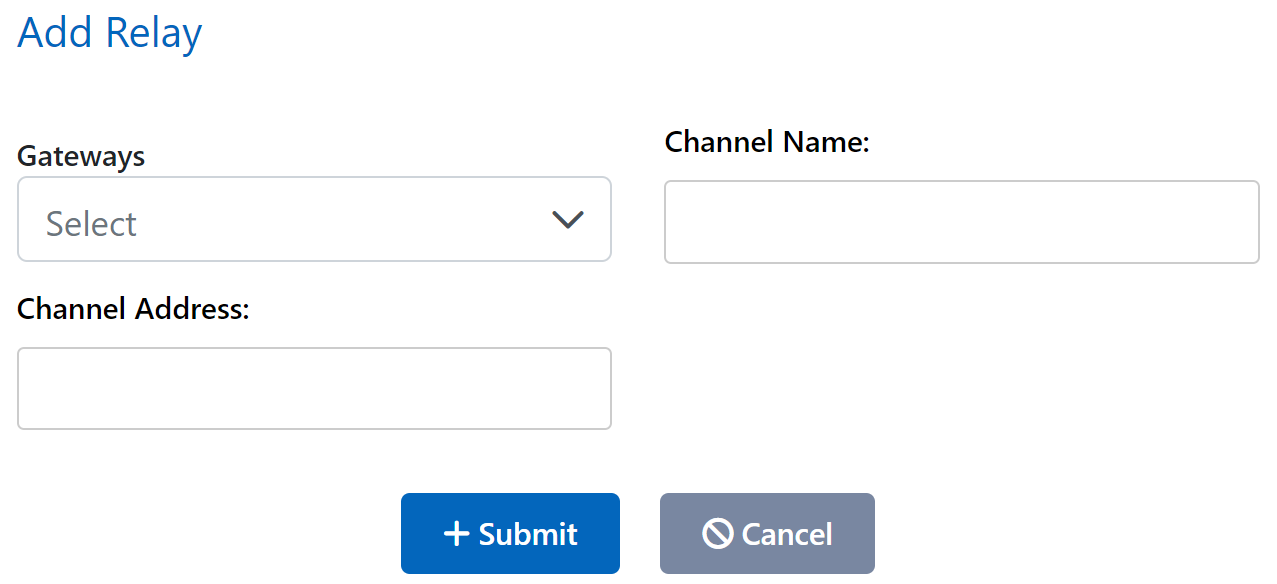
You can add a Relay by clicking add (+) in relays menu and selecting the gateway under which relay needs to be added and relay's respective channel name and address which you would already have from relay.